
Manuals & Guides
Practical instructions for using Open Builders Space, its shared facilities, tools, equipment and community resources. Scroll through the whole guide or use the contents menu to jump to a section.
Welcome to OBS
A shared community hackerspace for people who want to learn, make, experiment, repair, teach and build together.

Ask before you guess.
You do not need to be an expert. Introduce yourself, find out what is happening, ask questions and learn from the people already using the space.
First visit checklist
- Introduce yourself to someone in the space.
- Ask what activities, workshops or projects are happening.
- Find out which areas and tools you are allowed to use.
- Ask another member if you are unfamiliar with a tool or process.
- Keep your work area organised and leave it ready for the next person.
Using the Space
OBS is shared by many people. Your work should make it easier—not harder—for the next person to use the space.
Find your area
Use the appropriate bench, workshop, meeting area or storage location for your activity.
Protect shared resources
Do not move equipment, tools or community supplies without knowing where they belong.
Clean as you work
Remove scraps, wipe benches and return tools instead of leaving a cleanup job for someone else.
Report problems
Tell another member when equipment is damaged, unsafe, missing or behaving unexpectedly.
If your project takes up space for more than one session, label it clearly and store it in an agreed location. Do not assume an unattended project is available for others to use.
Tools & Equipment
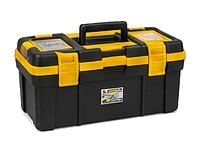
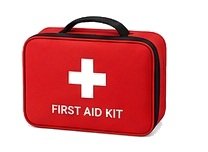
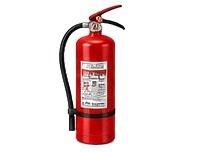
OBS can contain ordinary hand tools, tool kits, workshop equipment and specialised machines. Safe use starts with orientation.
Before using a tool
- Know what it does. Read the label or guide and understand the intended use.
- Ask if you are new to it. Another member can show you the safe operating procedure.
- Inspect it. Look for damaged cables, loose parts, broken guards or other hazards.
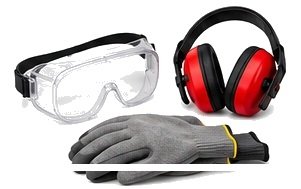
- Use the right protection. Wear appropriate eye, hearing, hand or respiratory protection where required.
- Power down after use. Switch off, unplug or isolate equipment when the activity is complete, as appropriate.
The same rule applies to borrowing: know where the item belongs, return it clean and complete, and report anything that needs repair or replacement.
Networking Lab
A place to learn and experiment with computer networking, routing, switching, wireless systems, servers and network services.
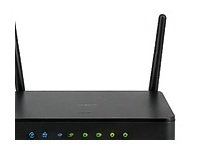
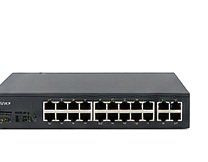
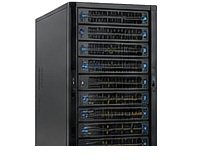

Only connect, scan, configure or test systems you are authorised to use. Do not interfere with another member's network, credentials, devices or traffic.
Lab practice
- Label test equipment and cables when building a temporary setup.
- Ask before changing shared network configurations.
- Use isolated test networks for experiments that could affect other devices.
- Do not plug unknown devices into shared infrastructure without checking first.
- Document IP addresses, configurations and changes so the next person can understand your setup.
- Restore shared equipment to the agreed configuration after an experiment.
- Power down equipment when required and keep ventilation clear.
Electronics & Instrumentation
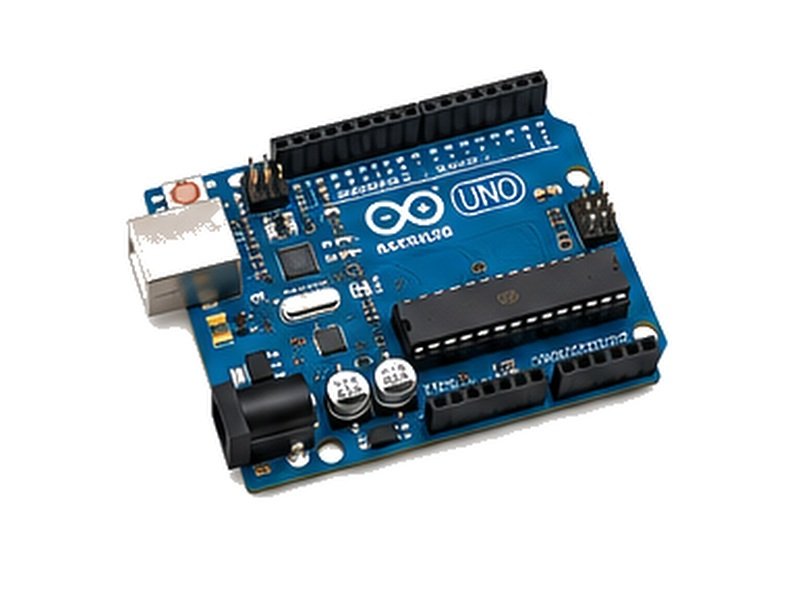
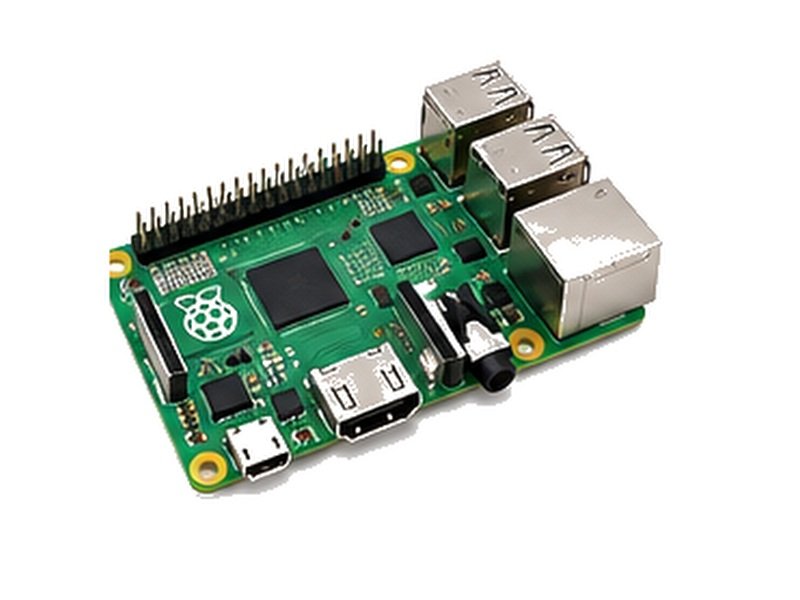
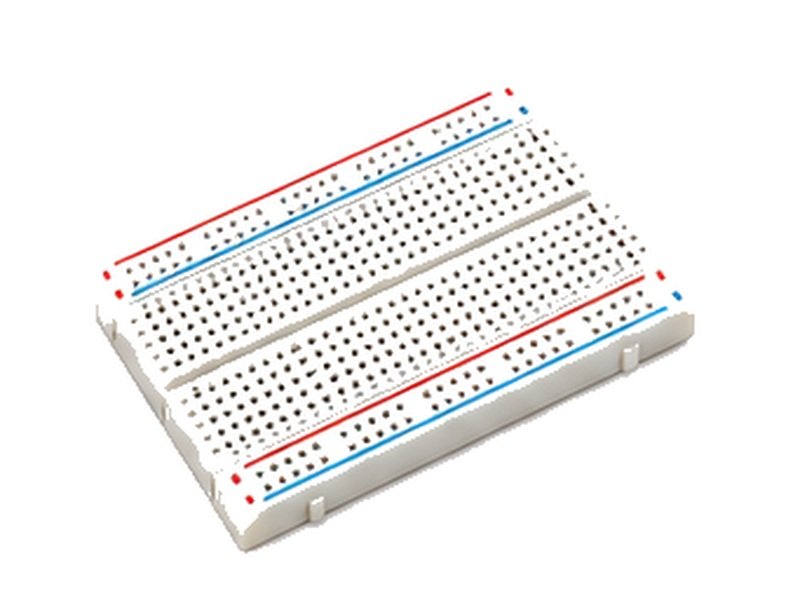
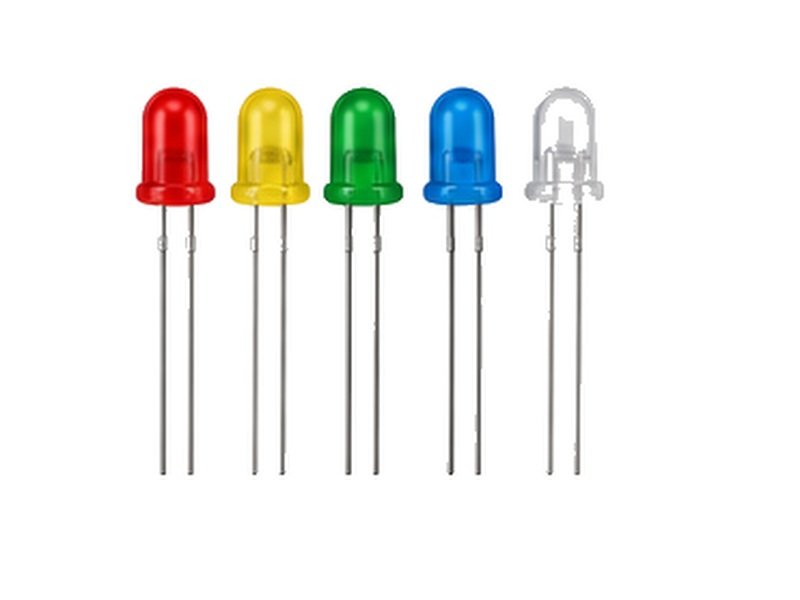
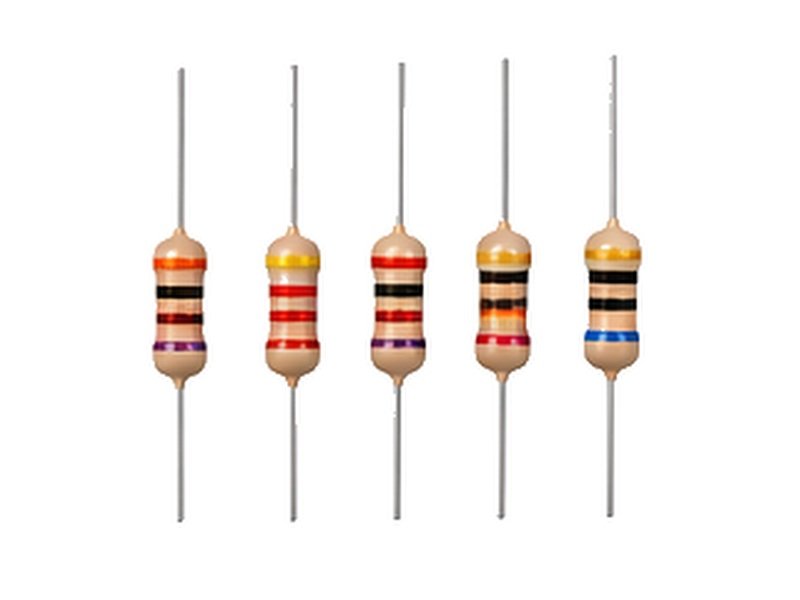
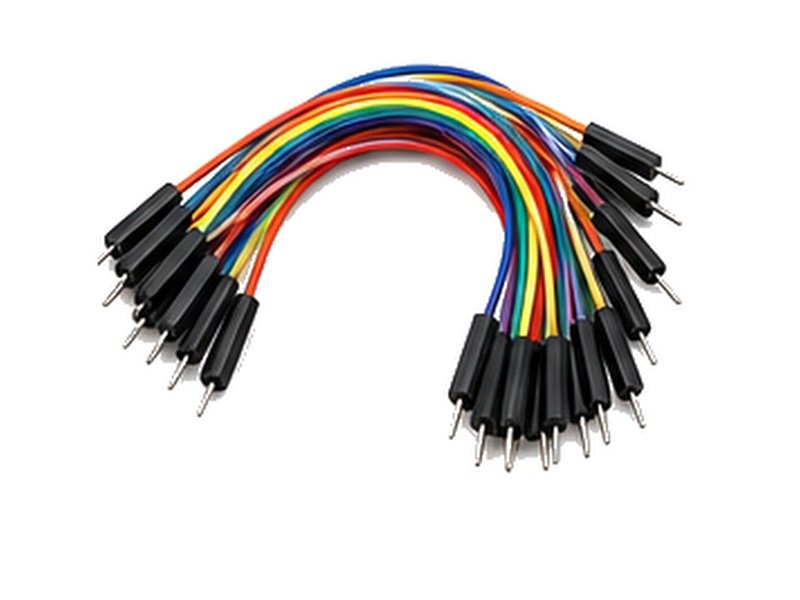
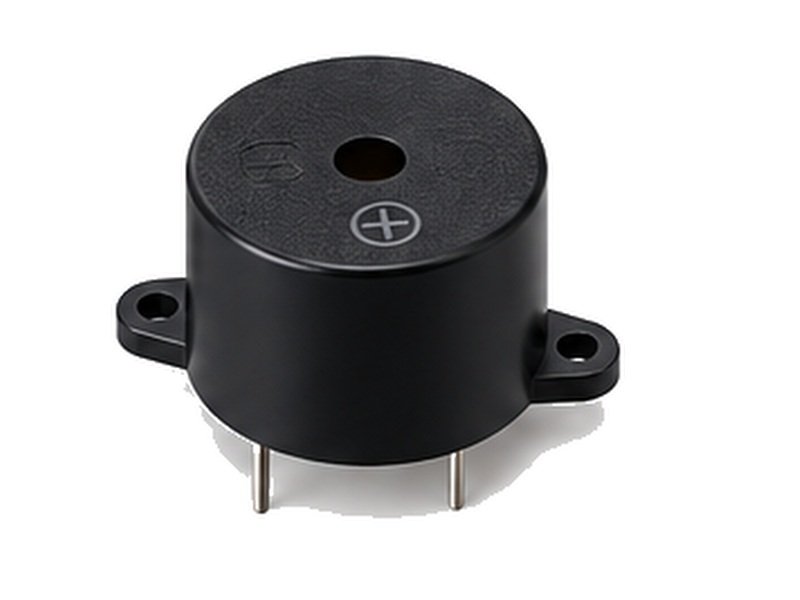
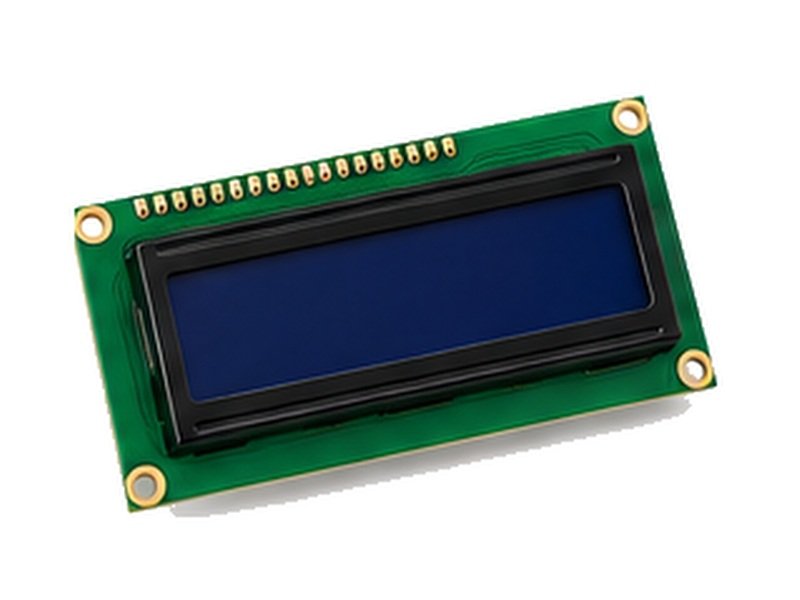
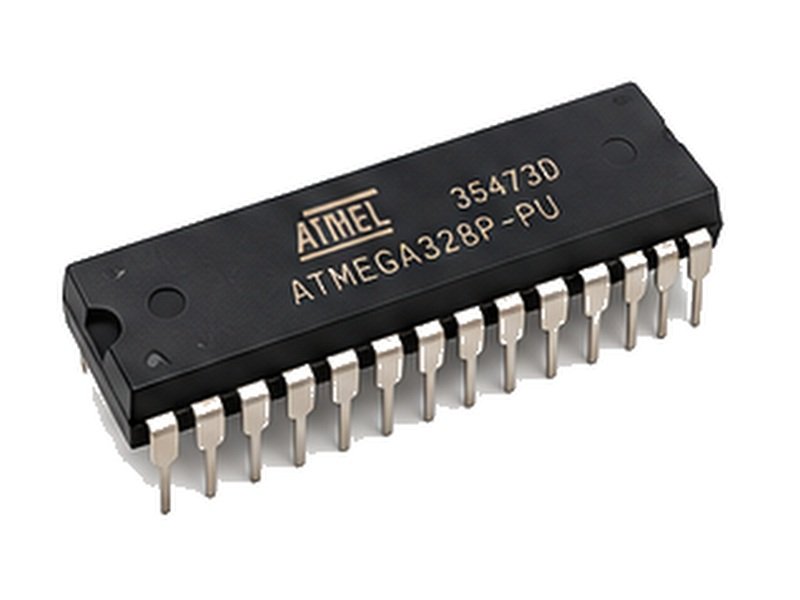
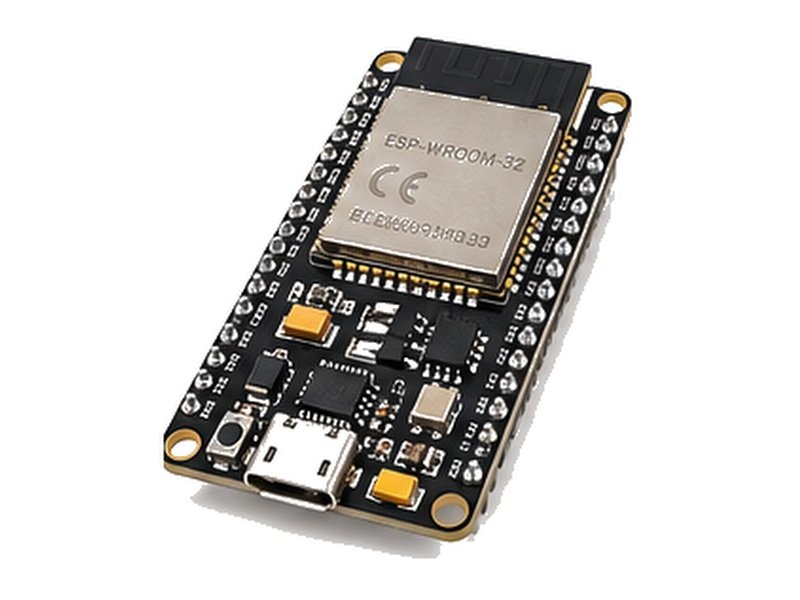
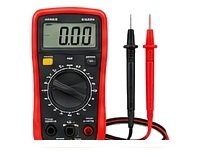
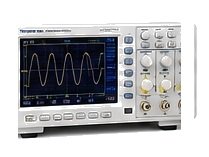
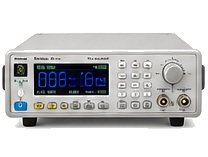
Build, wire, measure and troubleshoot circuits with components, microcontrollers and electronic test instruments.
Electronics Bench & Components
Test & Measurement
Bench rules
- Check polarity and connections before applying power.
- Use a current-limited supply when appropriate.
- Keep liquids away from electronics and power supplies.
- Use soldering equipment only after receiving appropriate guidance.
- Turn off and allow hot equipment to cool before putting it away.
- Keep component drawers and shared materials organised.
- If you are unsure how to use an instrument, ask another member rather than guessing.
Measurement practice
- Understand the measurement you are about to make before connecting probes.
- Use the correct measurement mode and range.
- Never exceed the instrument's voltage or current ratings.
- Ask an experienced member if you are unsure about a connection.
- Do not modify shared test equipment or its calibration settings without permission.
- Turn off equipment and return probes and leads neatly after use.
Fabrication & Making
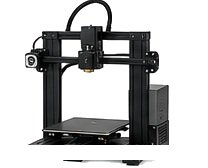
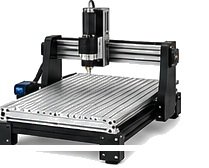
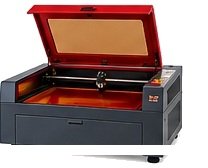
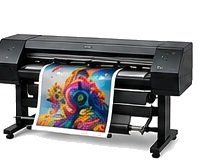
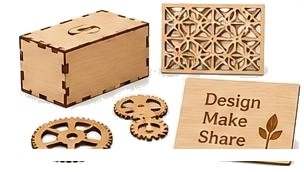
Build physical things across 3D printing, CNC, laser cutting, digital fabrication, crafts, art, textiles and workshop making.

3D printing
- Confirm that the printer is available and not being used by someone else.
- Check the material, nozzle, build plate and filament path.
- Ask for an orientation if you have never operated the printer.
- Keep hands away from moving and hot parts.
- Do not leave a failed or dangerous print running unattended.
- Remove your print and clean the build area when finished.
- Power down only according to the printer's normal shutdown procedure.
CNC, machine tools & digital fabrication
Never learn a powered machine by trial and error. Ask an experienced member for an orientation before operating it.
- Use guards and emergency-stop controls as instructed.
- Wear required PPE and secure loose clothing, hair and jewellery.
- Keep hands clear of cutting, drilling and moving mechanisms.
- Check the material is suitable for the machine and securely fixed.
- Keep the work area clear of unnecessary people and objects.
- Switch off or isolate equipment before cleaning, changing tooling or clearing a jam.
- Clean the machine and surrounding area after use.
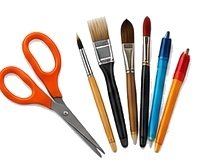
Crafts, art & textiles
- Choose a workspace suitable for cutting, gluing, painting, sanding or other processes.
- Ask before using unfamiliar powered tools or chemicals.
- Provide ventilation when a process creates fumes, dust or strong odours.
- Ask for an orientation before using an unfamiliar sewing machine.
- Keep fingers away from needles and moving mechanisms.
- Switch off sewing equipment before threading, changing a needle or clearing a jam.
- Store fabric, offcuts and sharp tools safely.
- Clean lint, scraps and other waste from the work area after use.
Materials & digital fabrication practice
- Confirm that the material is compatible with the machine and process.
- Use the correct settings for the material and process.
- Ask for machine-specific training before using unfamiliar equipment.
- Do not bypass interlocks, guards or ventilation systems.
- Stay aware of heat, moving parts, fumes, dust and fire risks.
- Inspect the finished work and clean the machine before leaving.
Audio, Video & Games
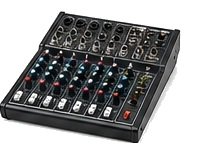
Media equipment can support talks, screenings, recording, creative projects, social activities and game nights.
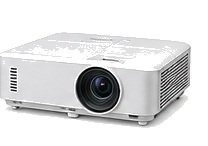



- Handle cables, connectors, projectors and controllers carefully.
- Ask before changing the shared media setup.
- Keep food and drinks away from sensitive electronics.
- Set appropriate volume levels for the space and surrounding activities.
- Power off projectors and other equipment using their normal shutdown process.
- Return controllers, cables and accessories to their labelled storage locations.
Food & Kitchen
The OBS kitchen is a shared community resource for preparing food, storing food and eating together. Everyone using it is responsible for keeping it safe, clean and useful for others.

Personal non-perishable storage
Members may keep personal non-perishable food in designated personal containers. Label your container clearly with your name and keep it in the agreed storage area.
Community food storage
OBS may maintain a shared container of community food items that members can freely take from. If you use something, consider replacing or contributing to the shared supply when you can.
The fridge is shared
Any food placed in the community refrigerator should be treated as available for use by other members. Do not put food in the shared fridge if you expect it to remain exclusively yours.
Fresh food
Fresh items kept in the shared kitchen may be used by members. Label or separate items only where OBS has an agreed system for personal storage.
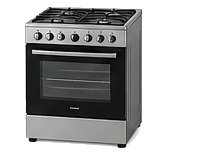
New to a kitchen tool? Ask another member to show you how to use it. This helps prevent injury, damage to the equipment, fire or damage to the space.
Before, during and after preparing food
- Wash hands and keep preparation surfaces clean.
- Use appropriate utensils and handle knives, heat and appliances carefully.
- Ask for help if you are unfamiliar with a cooker, oven, microwave, blender or other kitchen equipment.
- Do not leave cooking equipment operating unattended when doing so creates a safety risk.
- After preparing a meal, switch off appliances and equipment that should be turned off.
- Clean utensils, surfaces and equipment after use and return them to their proper locations.
- Dispose of food waste appropriately and do not leave spoiled food in shared storage.
- Respect allergies, dietary restrictions and other members' food.
If you want a food item to remain exclusively yours, keep it in your labelled personal non-perishable container or another clearly agreed personal storage arrangement. Food placed in the shared fridge should be understood as potentially available to other members.
Security Lab
Cybersecurity at OBS is for learning, defensive experimentation and responsible research in systems where you have permission.
Do not attack, scan, intercept, disrupt or attempt to access systems, accounts, networks or devices without permission.
- Use intentionally vulnerable or isolated systems for practice.
- Do not collect or expose another person's credentials or private data.
- Keep experiments separated from shared production infrastructure.
- Document what you changed so systems can be restored.
- Report vulnerabilities responsibly rather than exploiting them.
- Ask another member if you are unsure whether an activity is authorised.
Event Hosting
OBS events can be workshops, talks, build sessions, screenings, repair days, game nights or community meetups.


- Propose. Explain what the activity is, who it is for and what it needs.
- Check the space. Confirm timing, capacity, equipment and safety requirements.
- Prepare. Make sure tools, materials, instructions and facilitators are ready.
- Run the event. Welcome participants, explain safety and help newcomers.
- Close. Clean the space, return equipment and shut down anything that should be off.
- Document. Capture useful notes, photos where appropriate, outputs and lessons for future events.
Project Documentation
Good documentation lets another member understand what you built, reproduce it, repair it or continue it after you leave.

Leave a useful trail.
Document enough for another person to pick up the project without having to start from zero.
What to record
- Project goal
- Materials and components
- Tools and equipment
- Design files and code
- Steps and configurations
- Problems and solutions
- What you would change next time
Where to put it
- Use the agreed OBS documentation space.
- Use clear file names and dates.
- Include diagrams or photos where they explain something better than text.
- Credit contributors and respect licences.
Opening & Closing
The space stays usable because people take responsibility for it.
Before starting
Check that the space is safe, identify what is happening and make sure you know how to use the equipment you need.
While working
Keep tools organised, manage cables, clean as you go and report hazards or equipment problems.
Power down
Switch off equipment that should be off, shut down computers and appliances appropriately, and check for heat or other hazards.
Leave it better
Return tools, clear waste, wipe surfaces, store projects and leave the workspace ready for the next builder.
Before you leave: tools returned · work area clean · waste removed · personal items stored · equipment powered down where appropriate · problems reported.